During the interview
Keep prepared questions and the stage's scorecard assessments within reach during a call.
In a Superposition Signal call, select Interview scorecard at the top left of the room. This panel is visible to interviewers only, so you can consult it during the conversation without displaying it to the candidate.
Ask the prepared questions
The For this candidate tab contains questions tailored to the candidate's experience and the interview stage. Use them to explore concrete examples, then follow up on the answers that need more detail.
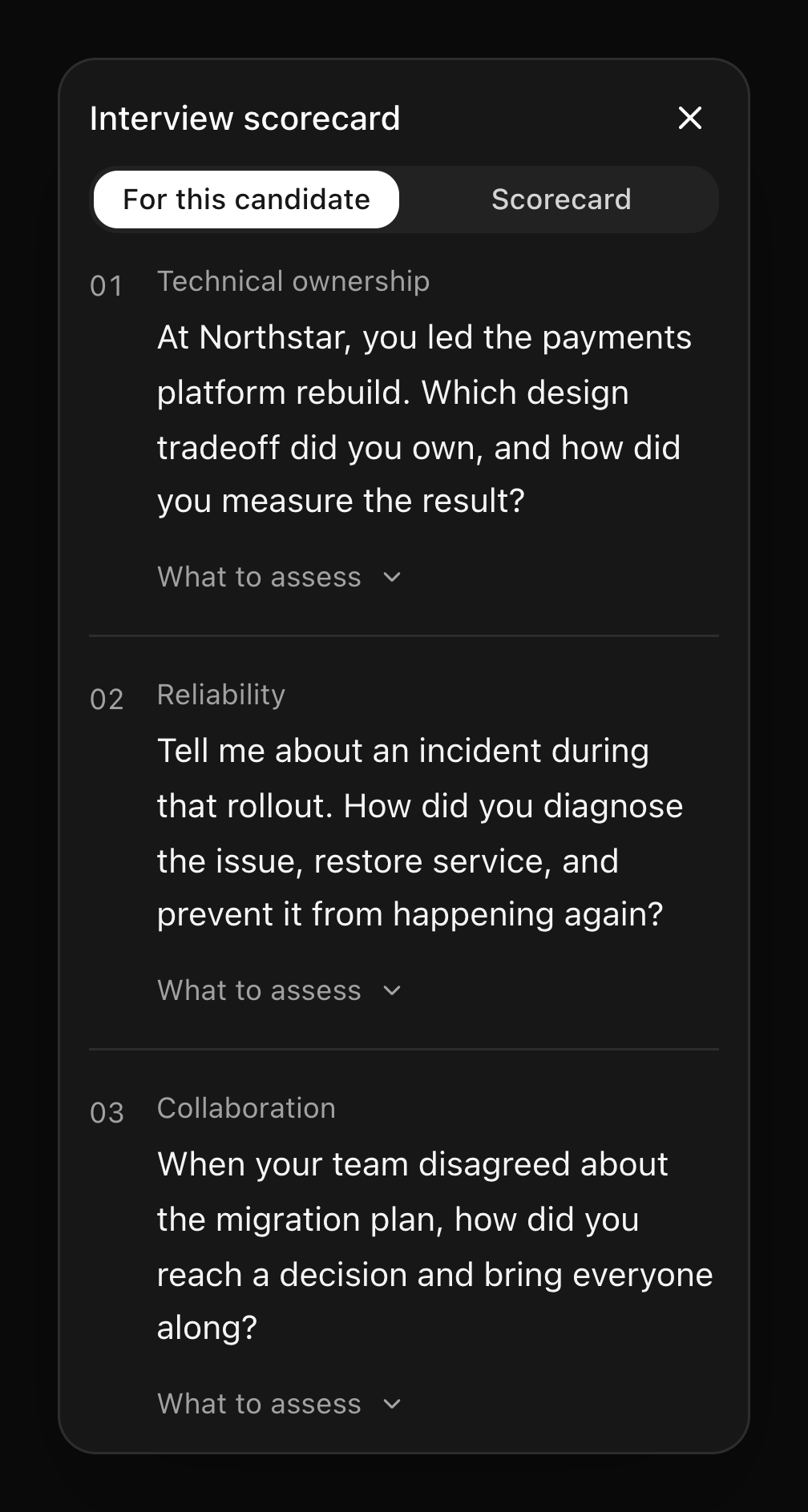
Update your scorecard during the call
Switch to Scorecard to rate the candidate against the stage's assessments, add evidence, and save your recommendation while the interview is in progress. Your draft stays in place when you switch back to questions or close the panel. Select Save scorecard to share it with the hiring team; you can update it later, including after leaving the call.
For example, a question might ask the candidate to describe a launch. The assessment helps you judge whether their answer establishes ownership, sound decisions, and measurable outcomes.
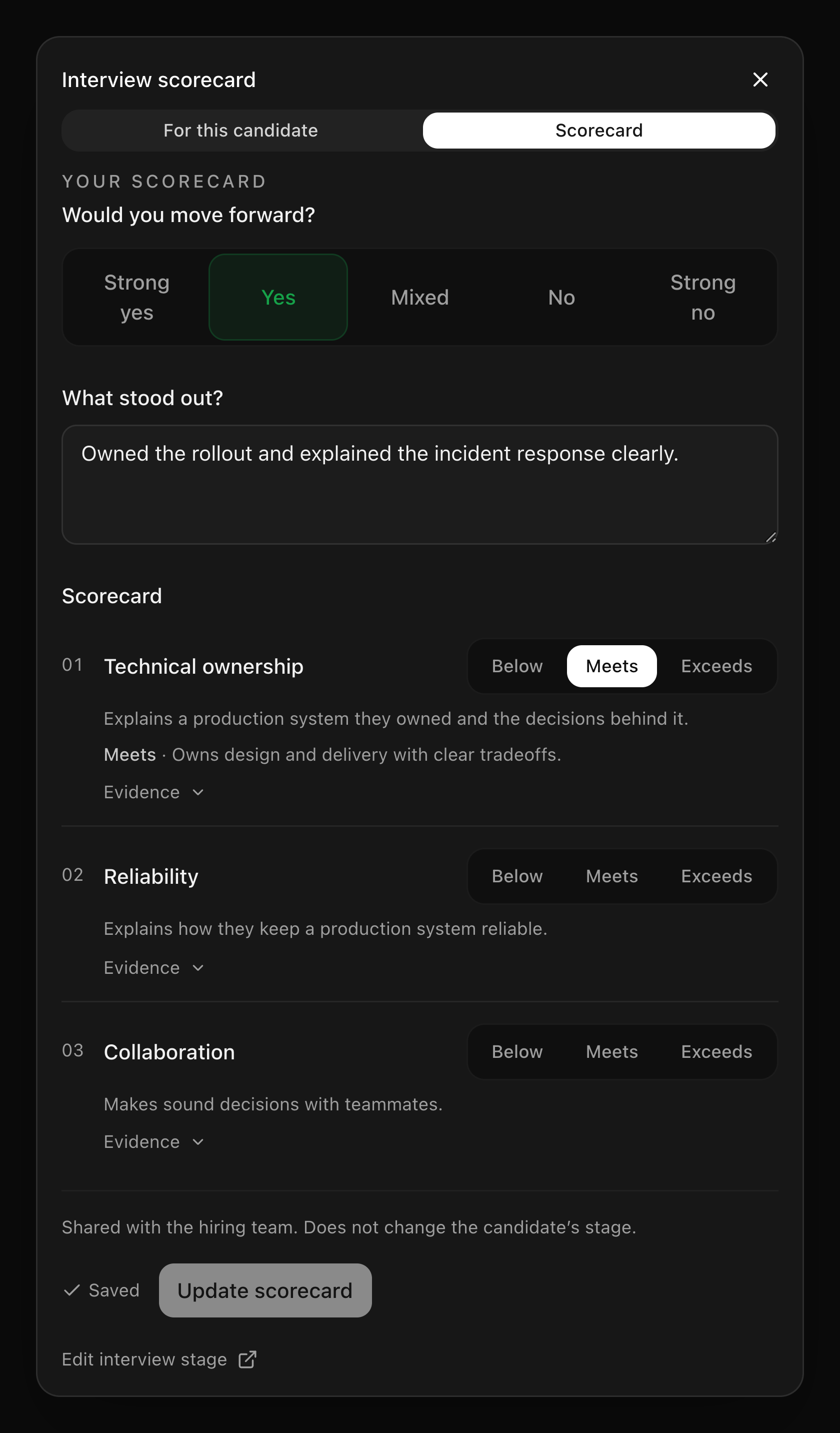
The stage settings link opens the interview configuration. Team members with editing access can update the goal or assessments there. See Set up a scorecard before changing the plan for an existing interview.
Close the panel when you want more room for the call; use Interview scorecard to open it again. When the conversation ends, write your scorecard using the evidence you gathered.
Last updated on