Mailboxes
Where candidate email comes from, the three ways to add mailboxes, and how a setup goes from a name to ready.
A mailbox is the email address candidates see when your recruiting agent writes to them. Campaigns send from mailboxes, and replies come back to them.
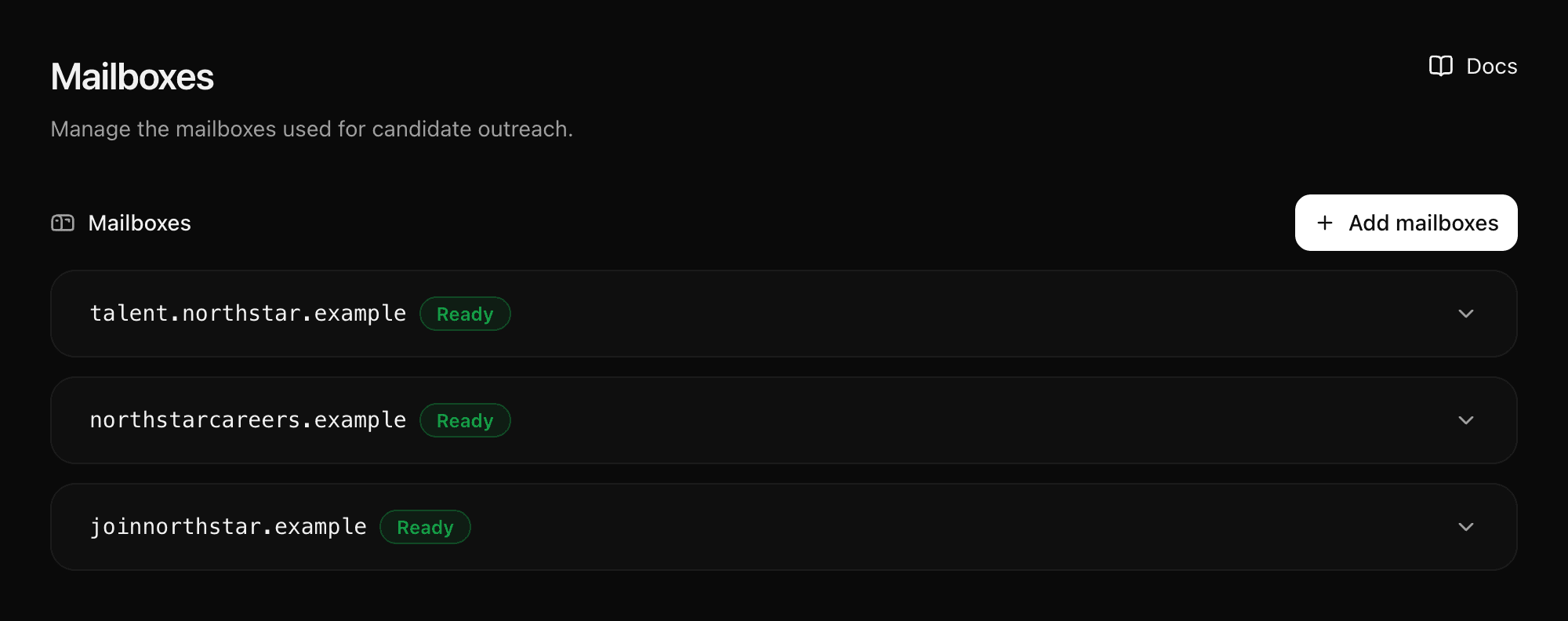
Manage mailboxes in Settings → Mailboxes. Admins can add mailboxes. Members can view setups and copy DNS records.
Three ways to add mailboxes
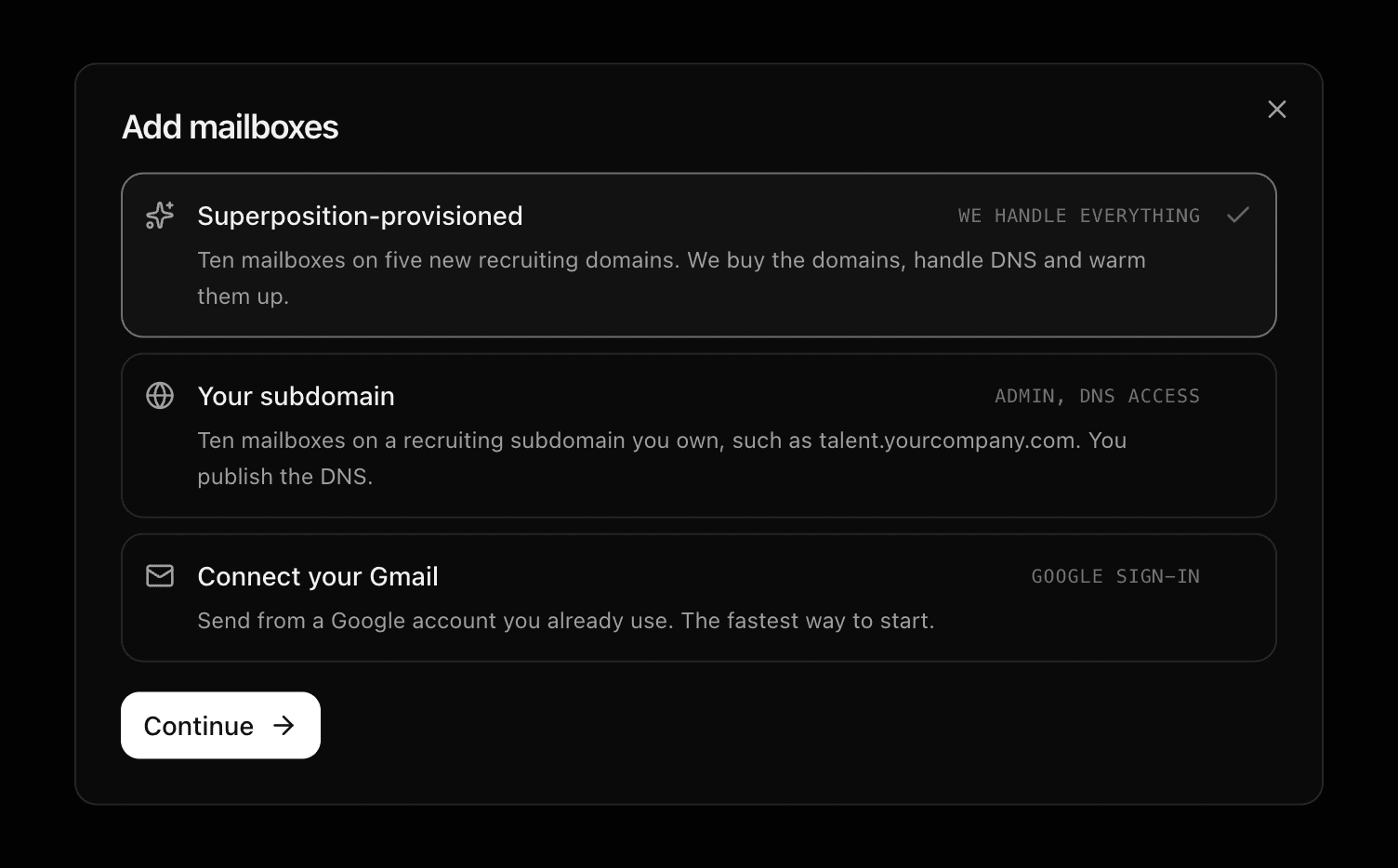
Select Add mailboxes and pick one. All three need an active Stripe subscription.
| You provide | We handle | Ready to send | |
|---|---|---|---|
| Superposition-provisioned | A recruiter name | Five new domains, ten mailboxes, DNS and warm-up | About a day |
| Your subdomain | A recruiter name, a label, DNS access | Ten mailboxes on your subdomain | Once your DNS is live |
| Connect your Gmail | A Google account you already use | The connection, through Google sign-in | Minutes |
Superposition-provisioned
Ten mailboxes on five domains we buy and run. Nothing to configure.
Your subdomain
Ten mailboxes on talent.yourcompany.com. You add DNS records once.
Connect your Gmail
Use a Google account you already own. The fastest start.
The steps
Provisioned and subdomain setups follow the same steps. A subdomain has one more, DNS, because you publish its records.
| Step | What happens |
|---|---|
| Identity | You enter or generate one recruiter name. Every address uses it. |
| Mailboxes | You review the addresses before anything is created. |
| DNS (subdomain only) | You add the records we show you. We check them. |
| Provision | We create the mailboxes and connect them for sending and replies. |
Setup runs in the background. You can leave and come back; the page updates on its own. When a card shows Ready, its mailboxes appear in the list at the bottom of the page. Your account team assigns them to campaigns.
Adding a mailbox does not start a campaign. See Outreach.
Which one to pick
- Superposition-provisioned when you want it handled: domains, DNS and connection.
- Your subdomain when candidates should see your own domain in the address. You manage the DNS; your main domain's email is not affected.
- Connect your Gmail to start today with one address, or when a recruiter should reply from their own inbox.
You can mix them. Many teams connect Gmail first and add a provisioned package when volume grows.
Screenshots use example names and domains. Copy values from your own setup, not from this page.
Last updated on